The full picture. One map.
Nine base charts. Thirty-plus independently toggleable layers. From VFR Sectional to animated storm-cell tracking to live ADS-B traffic — Tropiq builds the complete situational picture in a single map, updated automatically every 28-day cycle.
The right chart for every phase of flight.
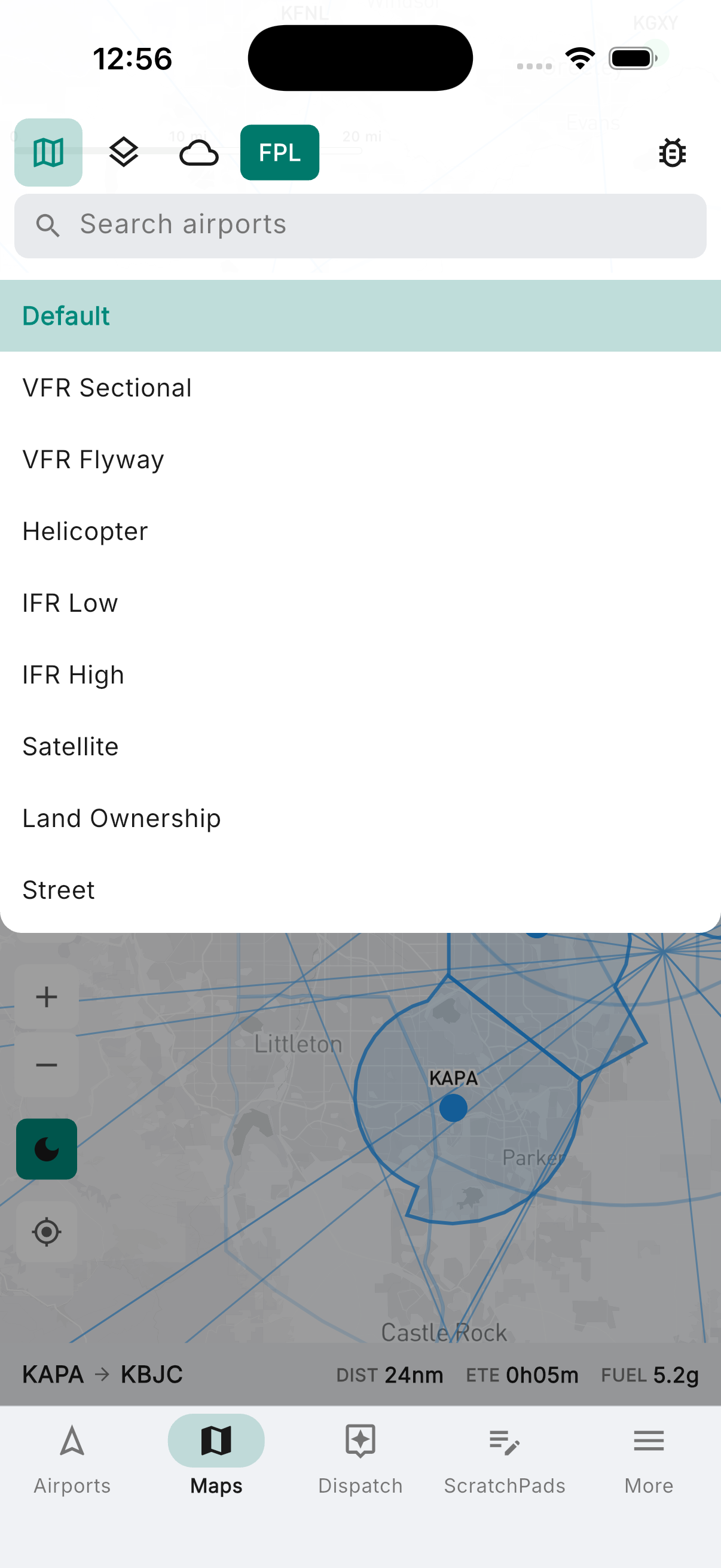
Nine base maps — pick the one that fits the mission, then build the picture on top. The default aeronautical layer toggles between dark and light mode to match your cockpit lighting. FAA VFR Sectional, IFR Low and High En Route, VFR Flyway, and Helicopter charts for navigation. Satellite imagery for terrain awareness. Land Ownership showing BLM Special Management Areas for backcountry and emergency landing planning. Street map when you need it. All sourced from FAA NASR and updated automatically every 28-day cycle — no manual downloads, no expired charts.
- Default aeronautical layer with dark/light mode toggle for cockpit use
- VFR Sectional, VFR Flyway, and Helicopter route charts
- IFR Low and High Altitude En Route charts
- Satellite imagery and Street map
- Land Ownership: BLM Special Management Area detail
Airspace, airports, and airways — precisely layered.
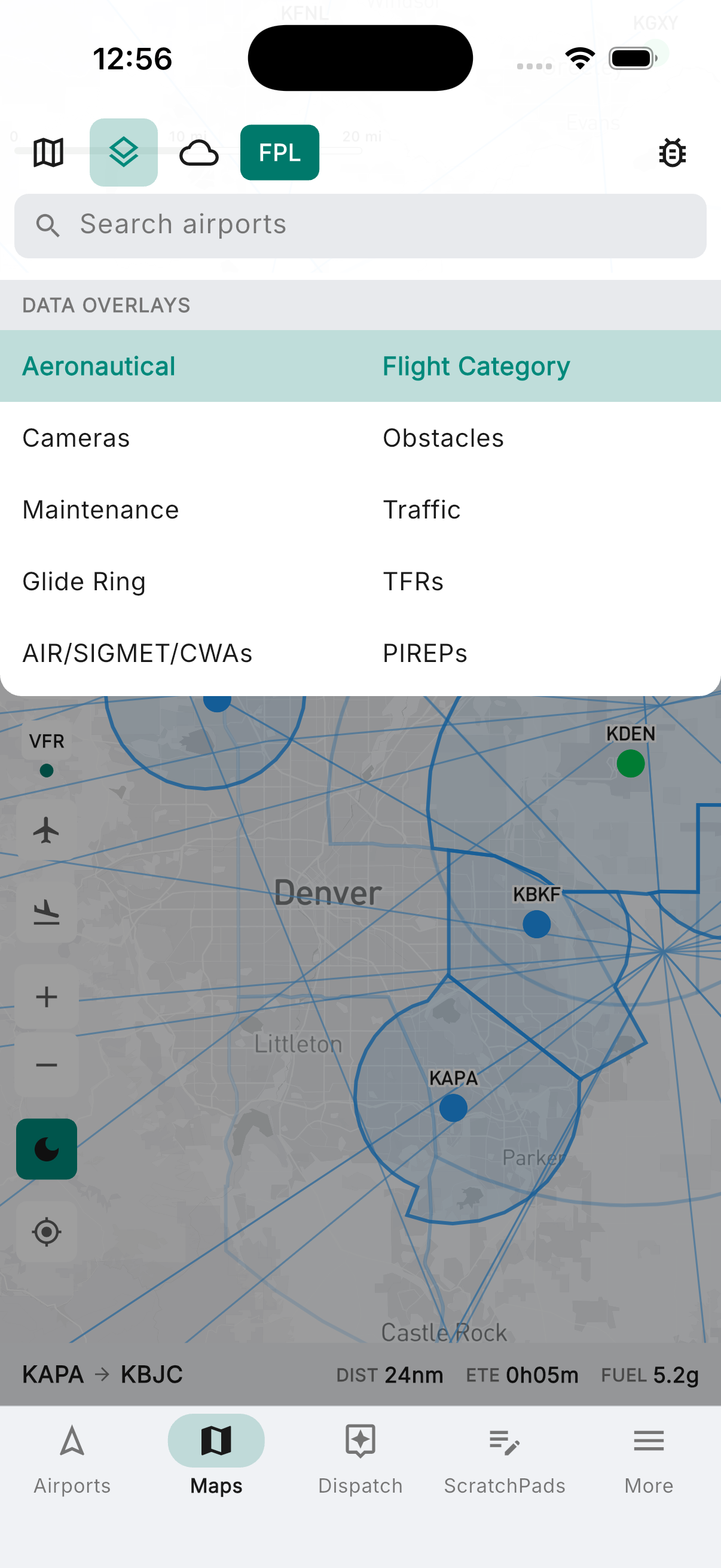
The aeronautical overlay adds the full navigation picture on top of any base chart. Airspace boundaries declutter automatically as you zoom. Airports filter by facility type and minimum runway length — only see the fields that can take your airplane. Smart Navaids is context-aware: it shows only the VORs, VORTACs, NDBs, and intersection fixes relevant to your active flight plan or approach, so the map stays clean in cruise and informative when it counts.
- Class B, C, D, and E airspace with zoom-based decluttering
- Special use: Prohibited/Restricted, MOAs, Alert, Parachute drop zones, ADIZ, and more
- Airports filtered by type (heliports, seaplanes, private) and minimum runway length
- V/T low and J/Q high altitude airways
- Smart Navaids — shows only what's relevant to your active route or approach
- ARTCC sector boundaries
Weather, traffic, and hazards — all on the map.
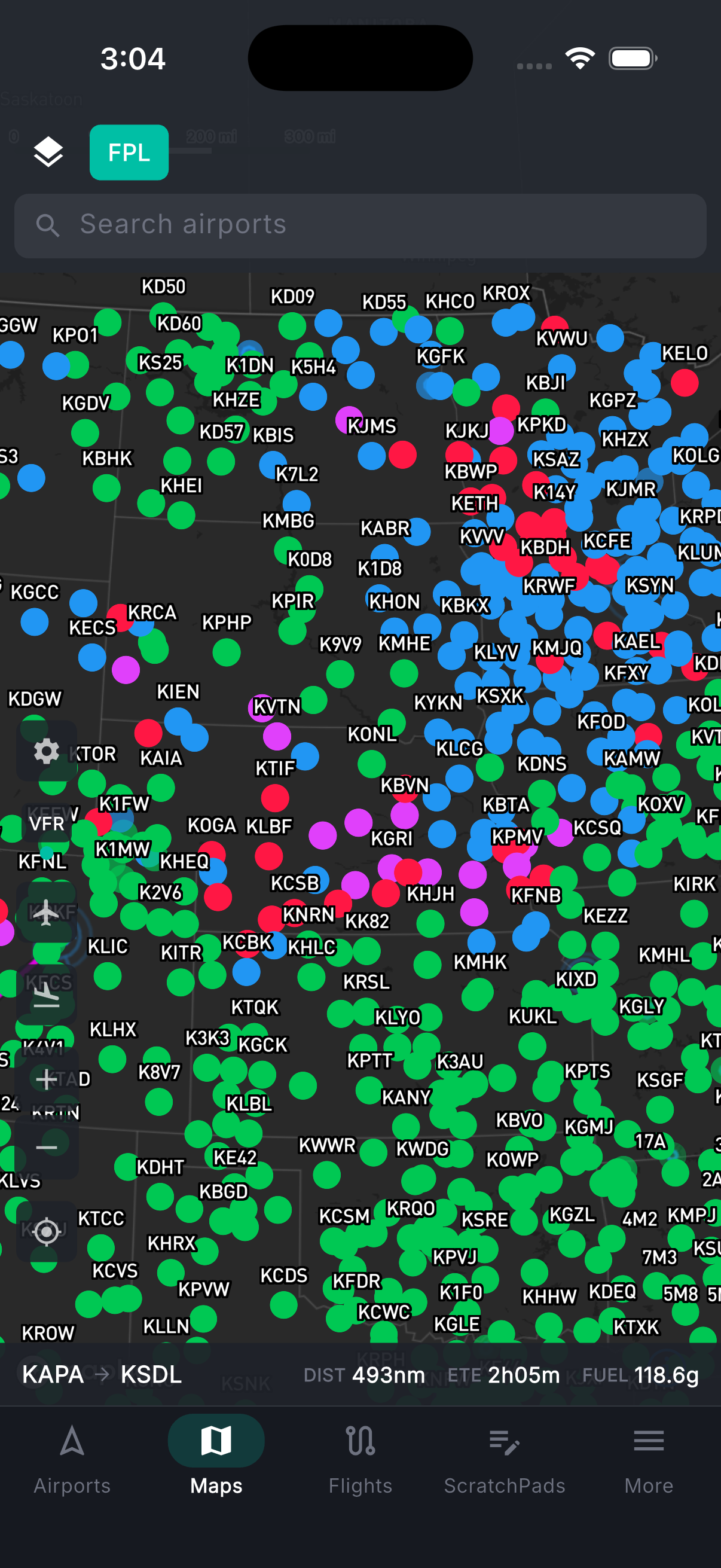
Thirty-plus overlays, each independently toggled, all geo-registered to your position. Animate NEXRAD radar with 2-minute refresh. Switch between GeoColor day/night composite, IR, and Visible satellite. Pull up storm cells with forecast tracks, lightning threat areas, and NWS alerts. Layer in HRRR-model flight category and cloud forecasts to see what's coming. Surface weather from live METARs: wind barbs, winds aloft at your planned altitude, temperature, visibility, and ceiling. Flight category color-codes every airport VFR to LIFR at a glance. Add traffic, TFRs, AIRMETs/SIGMETs/CWAs, PIREPs, and the FAA obstacle database — 515,000 objects including towers, buildings, and wind turbines. The glide ring shows which airports you can reach from your current altitude and position.
- Animated NEXRAD composite radar — 2-minute refresh with frame playback
- Satellite: GeoColor day/night composite, Infrared, and Visible
- Severe weather: storm cells with forecast tracks, lightning, NWS alerts, forecast radar
- HRRR: forecast flight category, cloud cover (composite and by altitude), and visibility
- Surface weather: wind barbs, winds aloft (selectable altitude), temp, visibility, ceiling
- Flight category: METAR-derived VFR/MVFR/IFR/LIFR color-coding at every airport
- AIRMETs/SIGMETs/CWAs, PIREPs, TFRs, and live ADS-B traffic
- FAA obstacle database (~515K objects); glide ring for emergency landing planning
- FAA WeatherCams — tap any station to view live camera imagery
See your position on the plate.
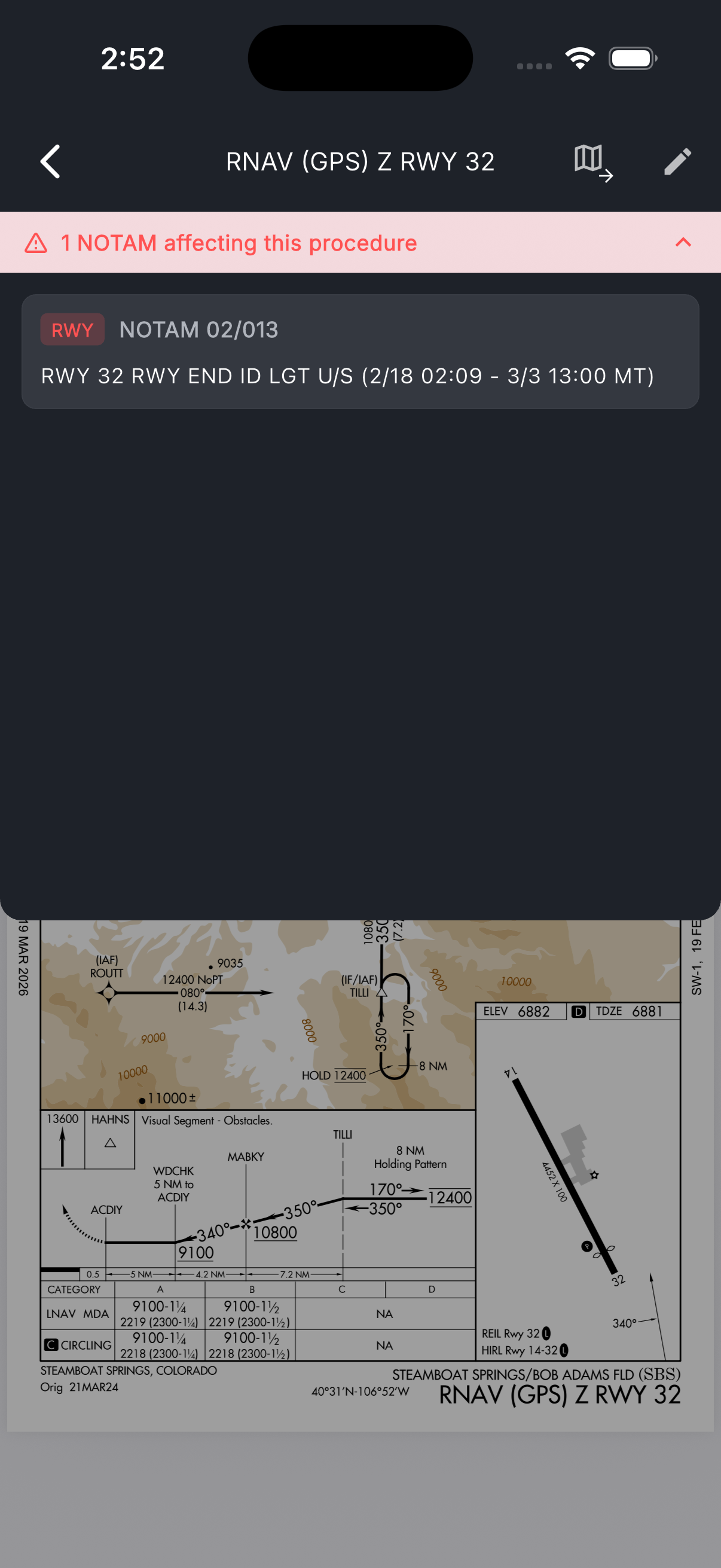
Every instrument approach procedure is geo-referenced on the moving map. See exactly where you are on the plate in real time during the approach — no guessing, no searching PDFs. Brief the approach with one tap: minimums, frequencies, missed procedure, all surfaced immediately.