
Teach smarter. Track everything.
Tropiq gives flight instructors the tools to manage students, demonstrate concepts, sign endorsements — all in one app.
Time-progressive briefing as a teaching tool.
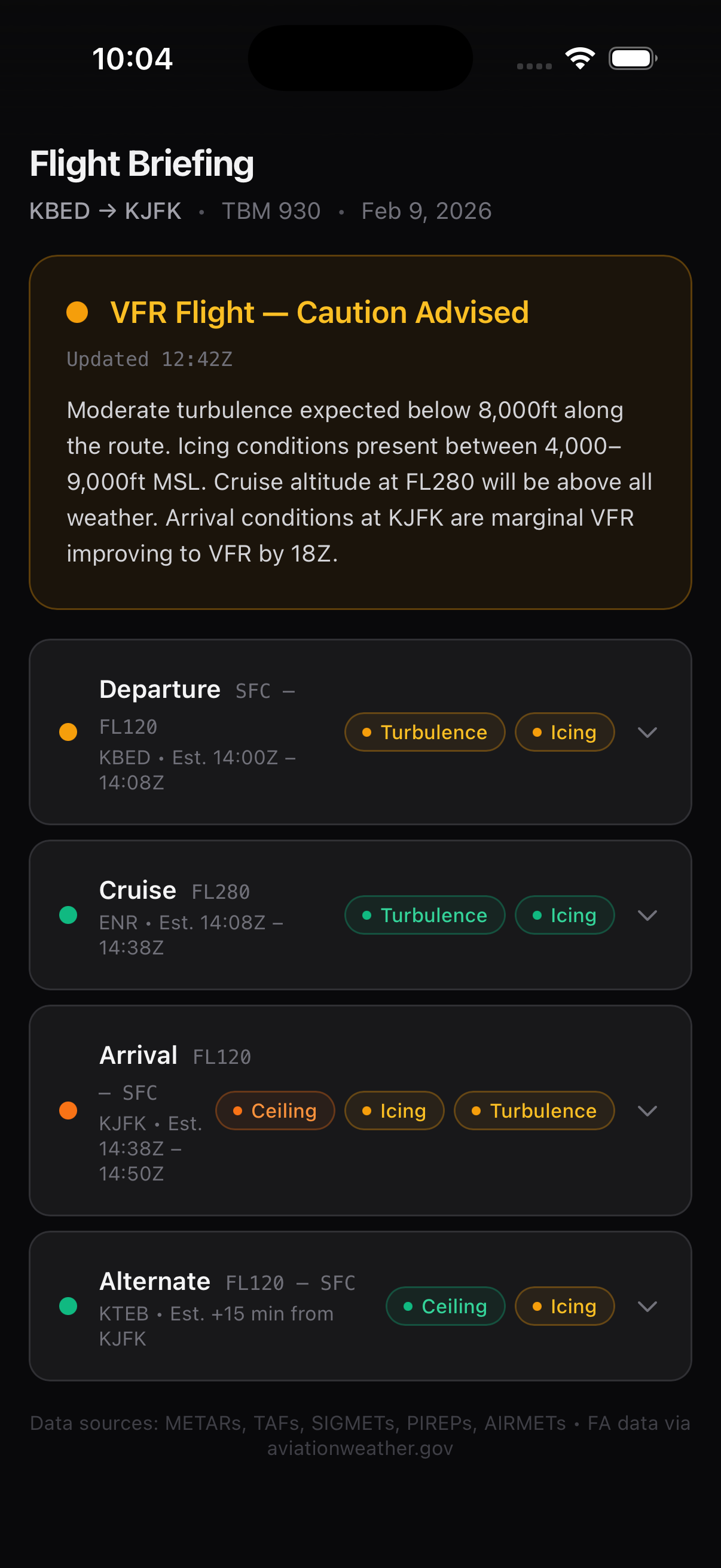
Show your students why a METAR from 2 weeks out doesn't matter, but the forecast from the night before does. Pull up the weather timeline and explain what's changing and when it starts to affect their flight. Show them the 3D traffic pattern and let them zoom into their downwind before they get to the airport. When you assign a cross-country, they've already learned the weather story before they request the briefing themselves.
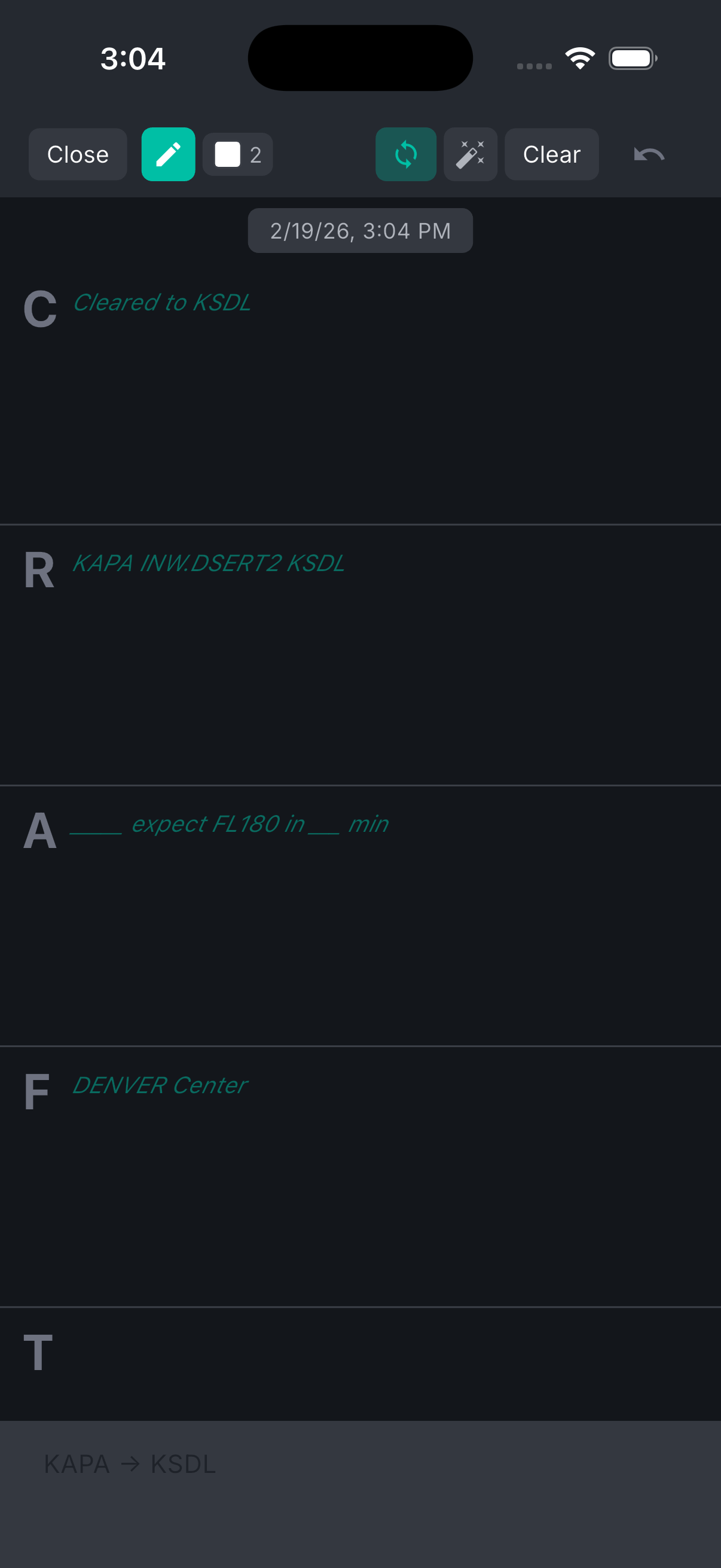
3D traffic pattern visualization for pattern work.
Show your student the exact geometry of downwind, base, and final before you get in the air. Explain sight lines, holding points, and where each turn leads. After the flight, review their actual pattern against the ideal one. Pattern work becomes less mysterious when they can see it in three dimensions.
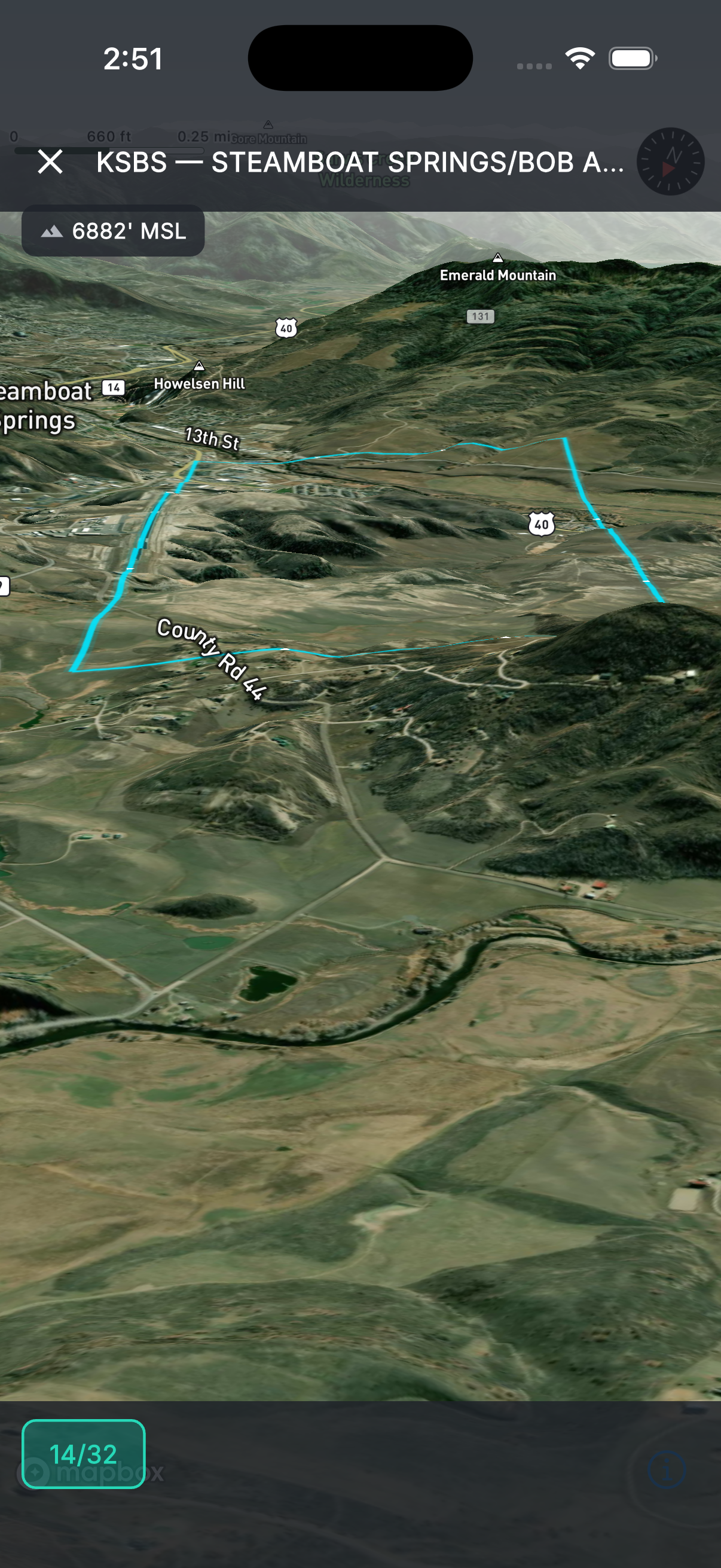
CRAFT pre-fill teaches the briefing format.
Your students learn by doing, not by reading FAA handbooks. In Tropiq, they see the CRAFT briefing pre-filled with real data for every flight: Conditions are right here, Route is right here, here's why this alternate matters. By their tenth flight, they'll have absorbed the format without you having to explain it twice.
Sign endorsements from the ramp.
No more paper endorsement books. Select from FAA-standard endorsement templates, customize the text, and sign digitally. The endorsement is stored in your student's logbook and yours. Searchable, exportable, always backed up. When your student gets to the DPE, they have a clean digital record.
See your students' flights and track their progress.
When a student shares their logbook with you, you can review their entries, verify times, and track progress toward solo, cross-country, and checkride milestones. No more "I think I have 38 hours of cross-country." You see every flight they've logged.
Teach the EFB on the sim — before the first engine start.
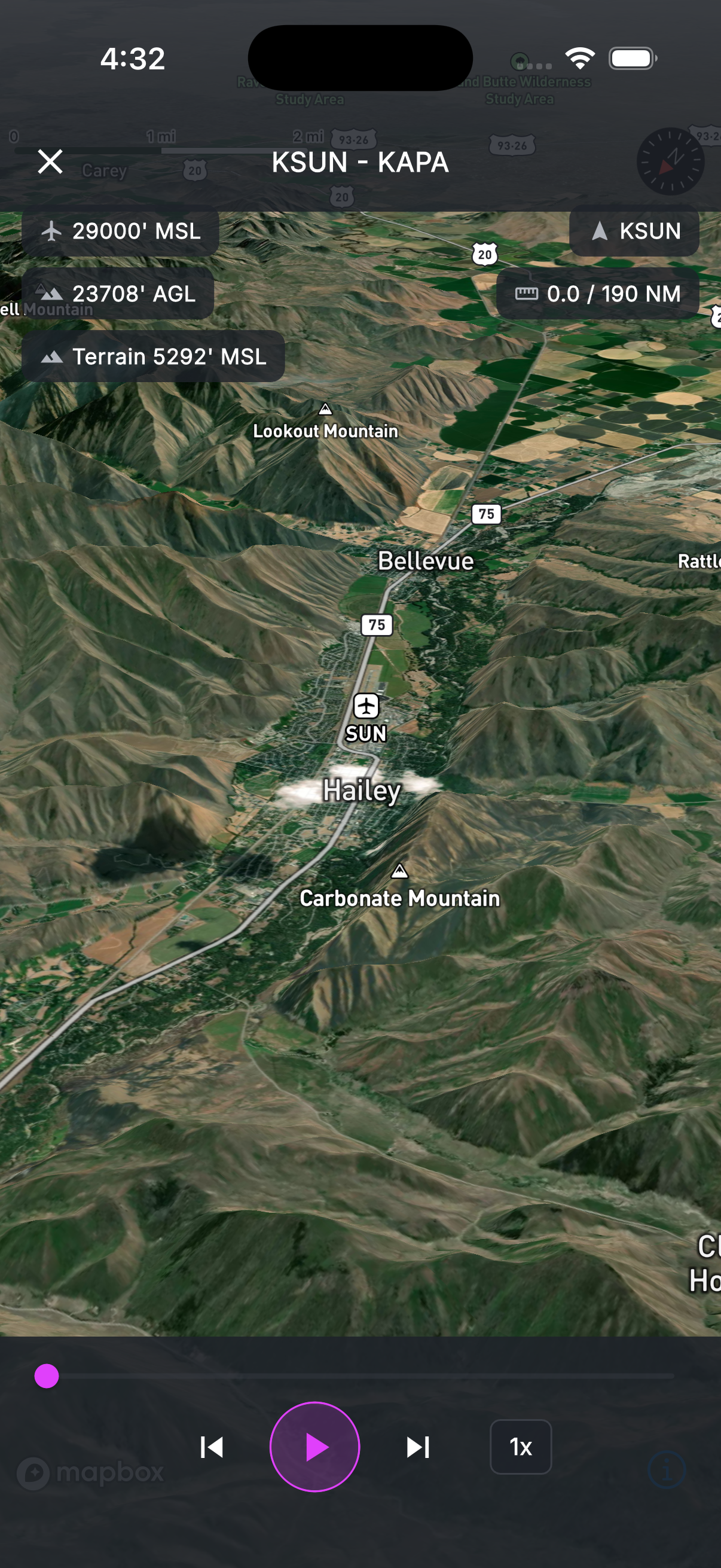
Connect Tropiq to MSFS, X-Plane, or Prepar3D and run the full app in a sim session — same map, same glide ring, same airspace and terrain alerts, same AI traffic. Brief a cross-country with a student on Tuesday, fly it on the sim Wednesday, fly it for real Saturday. Every sim session logs into the student's Drift track history so you can review it side-by-side with their airplane flights. Stop burning Hobbs time on app familiarization.
- Works with all major sims over local Wi-Fi — no plugin to maintain
- Sim flights show up in Drift track log alongside real flights
- Perfect for pattern work, IFR procedures, and unusual-attitude recovery briefings
Works on every device — iOS, Android, whatever they have.
Half your students have iPads, half have Android tablets, one has a phone held together with tape. Tropiq runs on all of them. Students' data syncs across devices, so they can plan on their laptop at home and fly with their tablet. You can teach on your device, they can follow on theirs.